PressWorks
I came up in print shops in Brooklyn and Fort Lauderdale. Color separation, plate registration, halftone screening. The process has a logic that digital tools never captured.
I came up in print shops. USA Tees in Brooklyn, Atlas Embroidery in Fort Lauderdale. Production artist in the art department, but I had to understand every step of the process: offset presses, color separation, screen printing. Halftone screens at specific angles, registration dialed in by hand, ink density controlled plate by plate.
Then I spent 20 years in Adobe.
“This is what I want the site to feel like. It’s kind of a middle-aged printmaker who once upon a time got his degree in mechanical engineering. Greasy hands with a small shop. Mid-century jazz music playing on the radio. Tortoise shell glasses. Kind of like 1990 Old Mill Basin Brooklyn, saying something sarcastic and giving you the side eye over his glasses.” — describing the whole identity, April 2025
You learn things on a press floor that don’t translate to a screen. The order you lay plates down matters. The overlap matters. The slight misalignment of a plate loaded a fraction off center is what makes a real print look like a real print. Off-register makes it human. My prints were always in registration. Pulling the digital space out of registration to feel like print is a deliberate design choice.
Photoshop has a “halftone” filter. It applies a dot pattern on top of an image. That’s not how printing works. Real printing is a sequence: you start with a substrate, separate your image into color plates, screen each plate at a specific angle and frequency, ink each plate with its own color and blend mode, and press each one with its own registration. The result depends on the order you lay them down and how each plate interacts with what’s already there.
I used Photoshop for that work for two decades. Then my brain stopped matching the interface. I still think in plates and passes and registration offsets. I just stopped thinking in Adobe’s UI. I tried Affinity. It wasn’t up to the level I work at.
So now I run a press from the terminal.
PressWorks is a bash script wrapping ImageMagick. Sixteen operations. Three presets. Every parameter exposed. Halftone frequency in lines per inch. Misregistration offset in pixels, per channel. Color separation into CMYK or RGB plates. Recombination with ink color and blend mode. Grain type, amount, opacity. Curves and levels. Duotone and tritone with named ink colors.
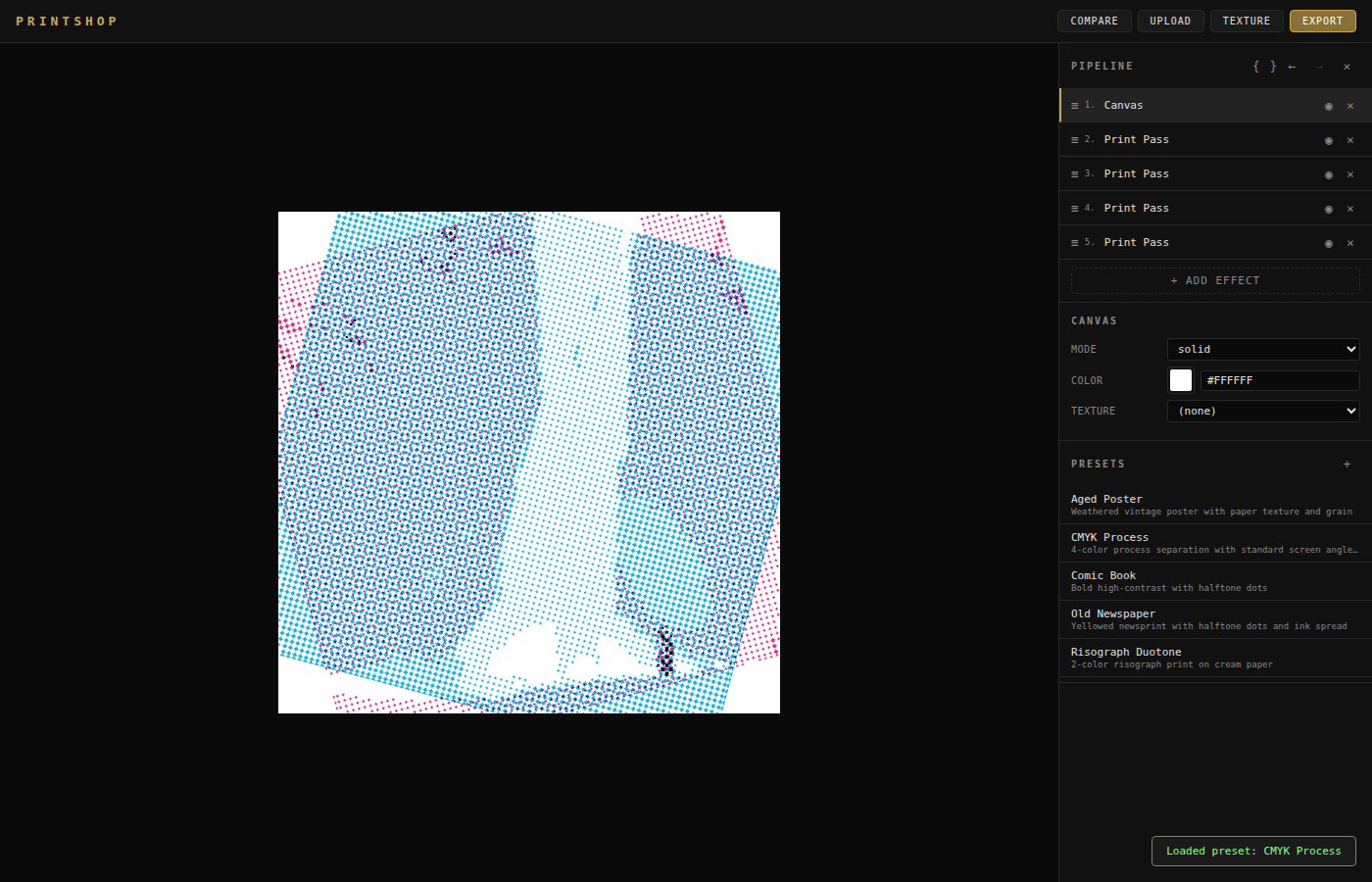
The mid-century preset runs desaturation, halftone screening, paper grain, and misregistration in sequence. Same inputs produce the same output every time. I can hand someone the exact command and they get the same print.
That level of control matters because it’s what I had in the print shop. Photoshop gives you a filter with a slider. PressWorks gives you the individual plates. I can separate an image into four channels, adjust the screening angle on the cyan plate independently, shift its registration by one pixel, and recombine. That’s how a press works. That’s how this works.
Every texture on this site came through PressWorks. The grain on the page surface, the halftone treatments, the desaturated color palette. The Formwork Protocol borrows the language directly: “evaluation happens in distinct layers, like plates in a screen print.” The metaphor is literal. The same plate-by-plate process, running in code instead of on a Heidelberg.
The tool is still being built. The operations work. The presets produce what I need. But the coverage isn’t complete yet: img2img workflows, batch processing across an entire asset directory, tighter integration with the Sovereign Design Engine pipeline. I’m adding capabilities as the site demands them, still filling the cases.